Included AI vs Bring-Your-Own Provider Key
Decide between onmsg's included AI allowance and connecting your own provider key: what the allowance covers, when BYOK makes sense, and what BYOK doesn't change.
The decision, in one paragraph
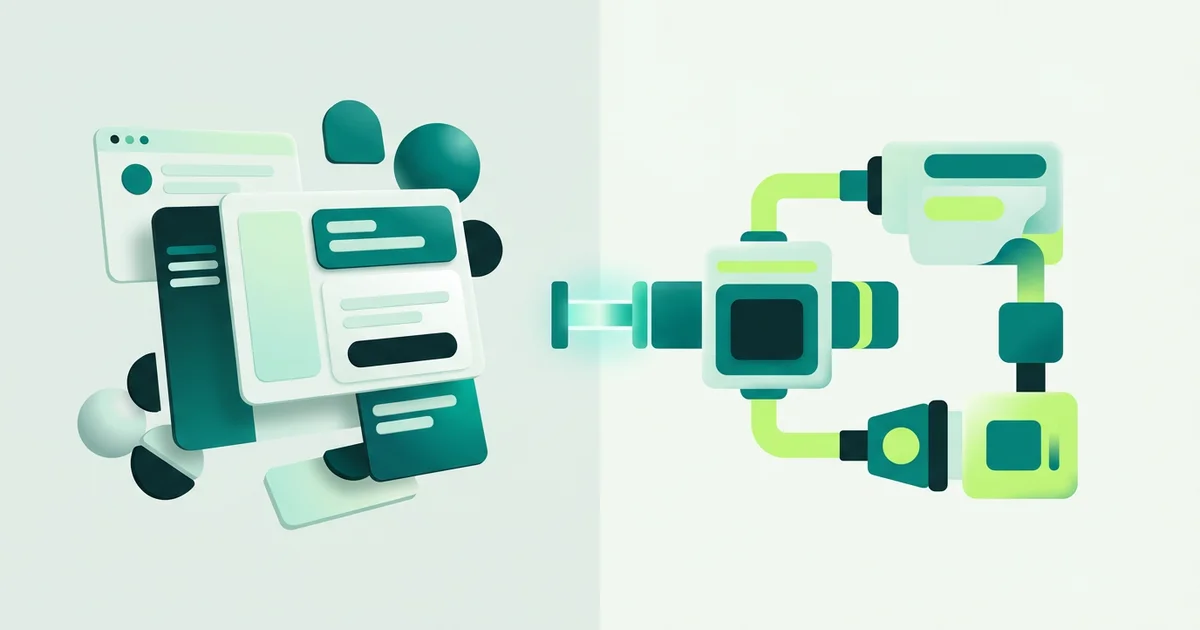
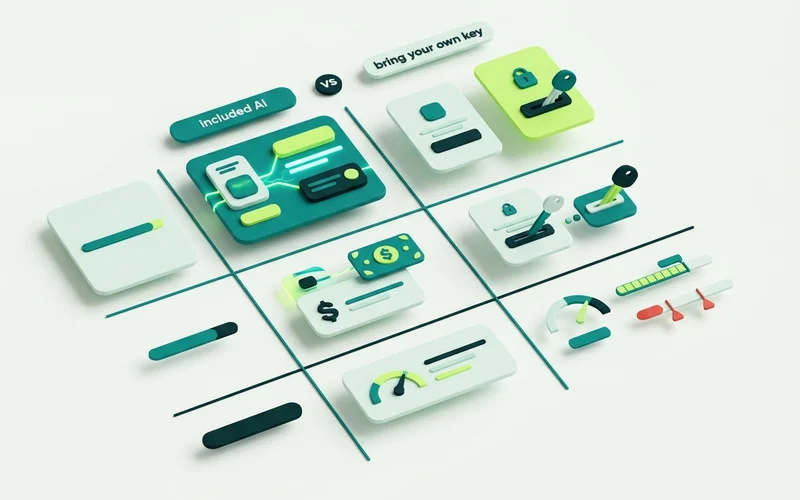
AI Provider Choice (BYOK) gives you two routes. Included platform AI means your plan’s token allowance covers the usage and there is nothing to set up. Bring-your-own-key means you supply a provider key, usage runs through your own provider account, and that provider bills you directly. Both use the same grounding behaviour from the Grounded AI Agent & Knowledge Base, the difference is who owns the AI account, not how the answers work.
Side by side
| Included platform AI | Bring your own key | |
|---|---|---|
| Setup | None | Select provider and model, supply and test a key |
| Billing for AI usage | Included in your plan allowance | Your provider bills you separately |
| Token allowance check | Applies | Avoided |
| Other plan limits | Apply | Still apply |
| Model choice | Platform catalogue | Your provider’s catalogue |
| Who to contact when the model misbehaves | Us | Your provider, for their side |
Start on the included AI
For almost everyone, the right first move is to use the included AI. Build the knowledge base, pick a grounding mode, run a flow, read some transcripts. That work is identical either way, and doing it first means you are choosing a provider with real usage data rather than a guess.
The allowance differs by plan, 250,000 platform AI tokens a month on Free, rising through the tiers. Note that tokens are not messages or conversations, so an allowance is hard to translate into “how many chats” without watching your own usage for a while. Usage reporting is there for exactly that.
When BYOK makes sense
You already pay a provider. If your business has an account with committed spend, routing chat usage through it consolidates the bill.
Procurement requires it. Some organisations need AI usage to sit on an account they control, with their own terms and their own data handling agreement.
You want a specific model. Provider and model selection lets you pick from your provider’s catalogue rather than the platform’s.
Your volume is high and predictable. Once usage is large and steady, running it on your own account can be the more economical arrangement.
What BYOK does not change
This is the part people misread most often, so it is worth being blunt.
Bringing your own key avoids the platform AI-token allowance check. It does not remove any other limit on your plan: agents per site, saved bot flows, knowledge sources, knowledge pages, storage, configured retention and concurrent active sessions are all unchanged. A Free plan with BYOK is still a Free plan in every other respect.
It also does not change how answers behave. Grounding modes, retrieval strictness, refusal messages and handoff thresholds are properties of your agent configuration, not of the provider.
Setting it up safely
Three controls exist for this, and all three are worth using.
Key testing validates the connection before you rely on it.
The grounding probe checks that retrieval is returning relevant knowledge, which catches the case where the key works and the knowledge base is the actual problem.
AI error and status information tells you when the provider is failing. Provider errors also escalate the conversation to a person rather than stalling, which limits the damage while you sort it out.
If you use OpenRouter, custom model IDs require validation, test before you switch a live site over.
You can change your mind
Provider configuration is a setting. Start included, move to BYOK when the reasons above apply to you, move back if they stop applying. Nothing about your knowledge base, flows or inbox changes when you do.
A sensible sequence
Rather than deciding up front, most teams do better following the same order.
Start on the included AI. Build the knowledge base, choose a grounding mode, publish a flow, read a fortnight of conversations. This work is identical under either arrangement.
Watch usage reporting. After a few weeks you will know roughly what your volume looks like, which is the only reliable basis for a cost comparison.
Switch if the reasons apply. An existing provider account, a procurement requirement, a specific model, or volume that justifies running it yourself.
Test before you cut over. Key testing validates the connection and the grounding probe confirms retrieval is behaving. Do both on a quiet day rather than a busy one.
Operational differences after you switch
BYOK changes who you talk to when something goes wrong, and it is worth knowing that in advance.
Answer quality problems are still yours and ours. They come from the knowledge base and the grounding configuration, not the provider. Availability problems belong to your provider, and AI error and status information will show them. Billing questions about token usage go to the provider directly.
Two things worth setting up on day one either way. Keep an eye on usage reporting so a limit does not arrive as a surprise mid-week. And make sure your escalation path is configured, because provider errors route conversations to a person, and that is the behaviour you want when a model is unavailable.
Read next: what grounded AI means for website chat, or the pricing page for what each plan includes.
Learn more about AI Provider Choice (BYOK)
Use platform-provided AI or bring your own provider key, with provider/model selection, key testing, a grounding probe, and usage reporting.
Questions people ask about this
Does BYOK make everything unlimited?
No. It avoids the platform AI-token allowance check and nothing else. Agents per site, saved flows, knowledge sources and pages, storage, retention and concurrent session limits all still apply on your plan.
Who bills me for provider usage?
Your chosen provider, separately from your onmsg subscription. You own that account and its costs, which is the trade-off for controlling it.
Are custom model IDs supported?
OpenRouter custom model IDs require validation before use. If an ID does not validate, it will not be used, so test it rather than assuming.
Want to try this on your own site?
No credit card required.