
What “grounded” means here
An ungrounded chatbot answers from whatever the underlying model happens to know. Ask it what you charge for a callout and it will produce a number, because producing a number is what it was built to do. Nobody told it your number, so it invents one that sounds right. The business finds out when a customer arrives quoting it.
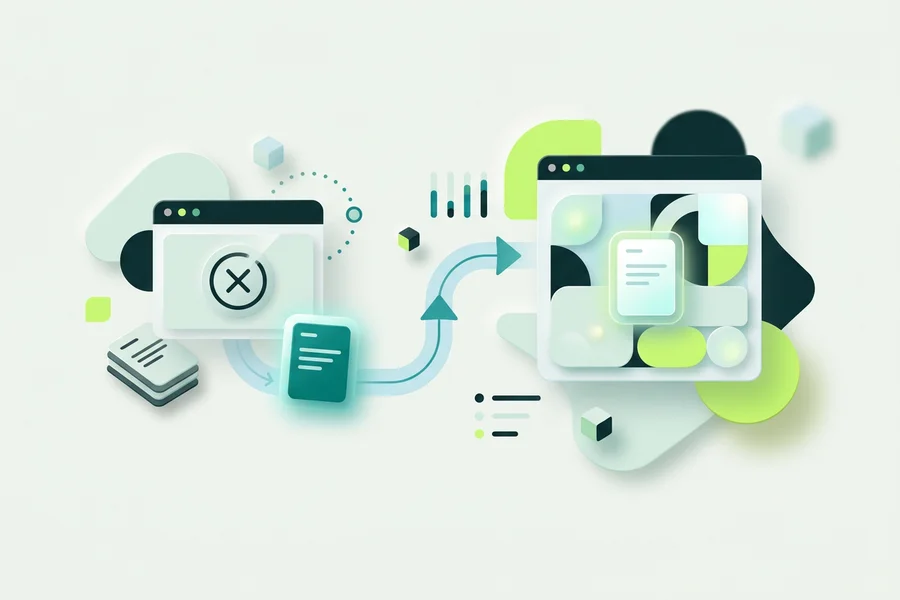
A grounded AI agent works the other way round. You supply the knowledge first (your FAQs, service descriptions, policies, price lists) and the agent retrieves from that before it answers. What it says is anchored to something you wrote and can point to. This is the difference between a chatbot that sounds informed and one that is.
onmsg’s AI Agent step sits inside a flow and points at a knowledge base you control. You configure its instructions, its greeting, its escalation message, the maximum number of turns, and which knowledge base it draws from. Then you decide how tightly it should stay inside that knowledge.
Common problems this solves
“We can’t risk the bot making something up.” Strict mode checks for relevant knowledge and can return a configured refusal without calling the answer model at all. A refusal you wrote is a better outcome than a confident guess, and it is the outcome you can plan around.
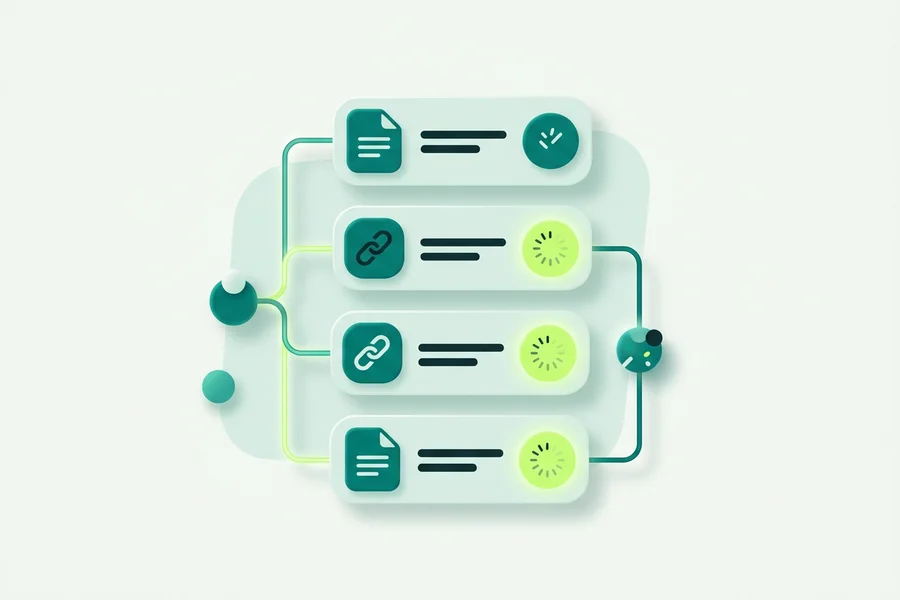
“Our information lives in a dozen documents.” Paste text, upload PDF, DOCX, TXT, Markdown and CSV files, or import the readable text of a public page by URL. Sources show their processing status, and you can edit, reindex or delete any of them later.
“Nobody wants to talk to a wall.” Handoff after a set number of refusals means a stuck visitor reaches a person. Turn limits, timeouts and provider errors escalate too, so the failure modes end in a human rather than a dead end.
“We need to know where an answer came from.” Optional source attribution shows the source behind an answer, which matters when someone on your team is auditing what the chat has been telling people.
Choosing a grounding mode
Strict suits regulated, priced or promise-heavy content. It checks for relevant knowledge and can refuse when none is found. Use it where a wrong answer costs you money or trust.
Balanced prefers the knowledge you supplied and instructs the model not to invent business facts, while still allowing it to phrase things naturally around your content. Use it for general support where the tone matters as much as the fact.
Open allows a more general conversation without the retrieval gate. Use it where the chat is a companion rather than an authority.
Retrieval strictness is adjustable on top of whichever mode you pick, so you can tighten or loosen how closely a passage must match before it counts as relevant.
The honest limits
Three things worth stating plainly. A URL import handles one page. There is no full-site crawl and no continuous website sync. Scanned PDFs need OCR before import, because built-in OCR is not part of the product. And quotas count sources and calculated pages, where a page is 3,000 characters of extracted text rather than one original PDF page.
Most importantly: these are controls, not certainties. They reduce the chance of a fabricated answer and give you a designed fallback when the agent has nothing to work with. They do not promise that every response will be right. That is why the refusal message and the handoff to the Shared Team Inbox are part of the same feature rather than an afterthought.
Where this fits
The AI Agent step lives inside the Visual Bot Flow Builder, so you decide exactly where in a conversation AI belongs and where a structured question serves better. If you would rather run the model on your own account, AI Provider Choice (BYOK) lets you connect your own provider key.
For the concepts first, read what grounded AI means for website chat and how to reduce AI chatbot hallucinations.