Branching by Page, Availability and Saved Answers
Serve different flows by page (pricing vs homepage), route by availability (online vs offline), and branch by saved answer, practical examples of each.
Why branching is the whole game
A flow without branches is a form with better manners. Everyone gets the same questions in the same order, and the visitor with an urgent repair sits through the same three steps as the one browsing prices.
The Visual Bot Flow Builder has three branch step types, and between them they cover the three things worth knowing about a visitor: where they are, when they arrived, and what they have already told you.
By page: where they are
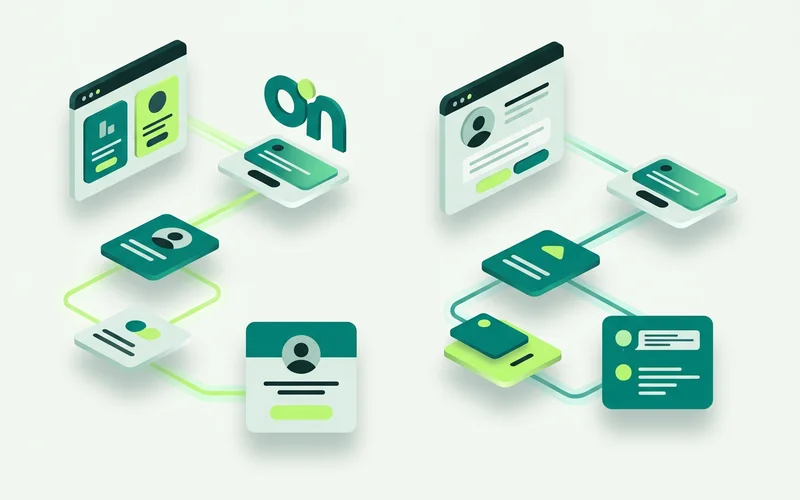
The By page step branches on the visitor’s page URL. It is the least used and most immediately useful of the three, because context is free information you already have.
A worked example. Someone on your pricing page has a narrow set of likely questions: what is included, is there a minimum, how does billing work. Someone on the homepage might want any of forty things. Same flow, one By page branch at the top, and the pricing visitor is met with “Comparing plans? Tell me roughly how many sites you run” while everyone else gets the general greeting.
Other places it earns its keep:
- A specific service page: skip the “what can we help with” question entirely and go straight to that service’s enquiry form
- A careers or about page: route to the right inbox instead of dumping a job application into the sales queue
- A checkout or booking page: offer help with the thing in front of them rather than an unrelated greeting
The rule of thumb: if a page attracts a different question, it deserves a different opening.
By availability: when they arrived
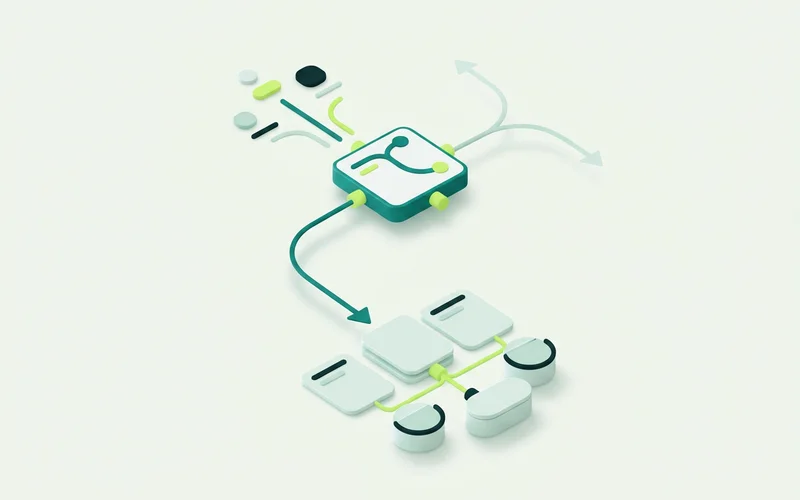
The By availability step chooses between an online path and an offline one. This is how you stop the chat writing cheques your evenings cannot cash.
The online path is your normal flow, with a genuine offer to reach a person. The offline path should do three things instead: say plainly that nobody is available right now, collect enough detail that the morning starts with a workable enquiry, and set an expectation you can meet. “We’re closed until 8am, leave your details and we’ll come back to you first thing” outperforms silence and outperforms a false promise.
Availability branching works alongside the widget’s business hours, timezone and after-hours behaviour, which live in Website Chat & Widget Customization. Set both, and set them to agree. A flow that says “we’re online” while the widget shows an offline state is the kind of small contradiction visitors notice.
By answer: what they already told you
The By answer step branches on a variable saved earlier in the conversation. Question and One field steps store what the visitor typed; Choices stores what they picked. By answer reads that value later and routes on it.
The main thing this buys you is not asking twice. Ask the property type once at the top, and every branch downstream can behave differently without a second interrogation. Ask whether they are an existing customer, and the repair branch can skip the questions you already have answers to on file.
It also lets you build a short qualification ladder without it feeling like one. Two saved answers can route a visitor to one of four endings, and from their side it was just a conversation.
Combining all three
The pattern that works for most businesses, top to bottom:
- By availability first, because nothing else matters if nobody is there
- By page second, to set the opening in context
- A Choices step to capture intent explicitly
- By answer further down, to route the branches without repeating questions
Four decisions, no code, and a conversation that behaves differently for a Sunday-evening pricing visitor than for a Tuesday-morning repair call.
A word on restraint
Branching is enjoyable to build and easy to overdo. A canvas with twenty paths is hard to change and harder to explain to whoever inherits it. Start with the branches that map to real differences in how you would answer, and add more only when a transcript shows you needed one.
Worked example: one flow, four visitors
The same flow, four different people, four different conversations.
Tuesday, 10am, pricing page. By availability sends them down the online path. By page recognises the pricing URL and opens with a plan question rather than a general greeting. Two taps later they are in a Form step, and the enquiry reaches the inbox qualified.
Tuesday, 10am, homepage. Online path, general greeting, a Choices step to establish intent. Slower to qualify, but they had not told you anything yet.
Sunday, 9pm, service page. By availability sends them offline. The message says plainly that nobody is around until Monday, then collects details. By page still applies, so the form asks about that service specifically.
Wednesday, 2pm, returning visitor on the repair branch. By answer reads what they said earlier (existing customer) and skips the three questions you already have answers to.
None of that needed four flows. It needed one flow and three branch steps.
Keeping a branching flow maintainable
Branches multiply quickly, and a canvas with twenty paths is a canvas nobody wants to edit.
Three habits keep it manageable. Name branches by what they mean rather than by their condition, so a colleague can read the map. Converge paths back to a shared ending wherever the outcome is the same, several routes into one escalation is fine and much easier to change. And delete branches that transcripts show nobody takes, rather than leaving them as evidence of a good idea.
If you cannot explain the flow to a colleague in a minute, it is more complex than the business it describes.
Read next: capture and qualify leads with conversation forms, or setting business hours and after-hours behaviour.
Learn more about Visual Bot Flow Builder
A drag-and-drop builder for website conversations, with 11 step types for greeting, capturing enquiries, branching, and handing off.
Questions people ask about this
Can I show a different flow on my pricing page?
Yes. The By page step branches on the visitor's page URL, so you can run plan-specific questions for pricing-page visitors and a general greeting everywhere else, all inside one flow.
What happens when the team is offline?
A By availability step routes visitors down an offline path. Combine it with the widget's business hours and after-hours behaviour so the message and the actual availability agree, and use offline message intake to capture the enquiry.
How does By answer routing work?
Earlier steps save what the visitor tells you into a variable. A By answer step branches on that saved value, so you can ask something once and route on it several steps later without repeating the question.
Related guides
How to Capture and Qualify Leads with Conversation Forms
Use Form and One-field steps with required fields and validation to gather requirements before handoff, capture after-hours enquiries, and keep context for the team.
Read guideHow to Build a Greeting-to-Handoff Flow, Step by Step
Walk through assembling a real onmsg flow: start with a greeting, branch by enquiry type, collect details with a form, add an AI Agent step, and route to a person.
Read guideThe 11 Flow Step Types in onmsg, Explained
Every onmsg flow step type explained: AI Agent, Question, Choices, One field, Form, Message, Image or video, Pause, By answer, By availability and By page.
Read guideVisual Flow Builder vs Scripted Chatbot: What's the Difference?
Compare a visual, no-code flow builder with hand-coded and scripted bots, maintenance, speed, and who each suits, and see why non-technical teams prefer a canvas.
Read guideWant to try this on your own site?
No credit card required.