
The 11 Flow Step Types in onmsg
Every onmsg flow step type explained: AI Agent, Question, Choices, One field, Form, Message, Image or video, Pause, By answer, By availability and By page.
Eleven blocks, three jobs
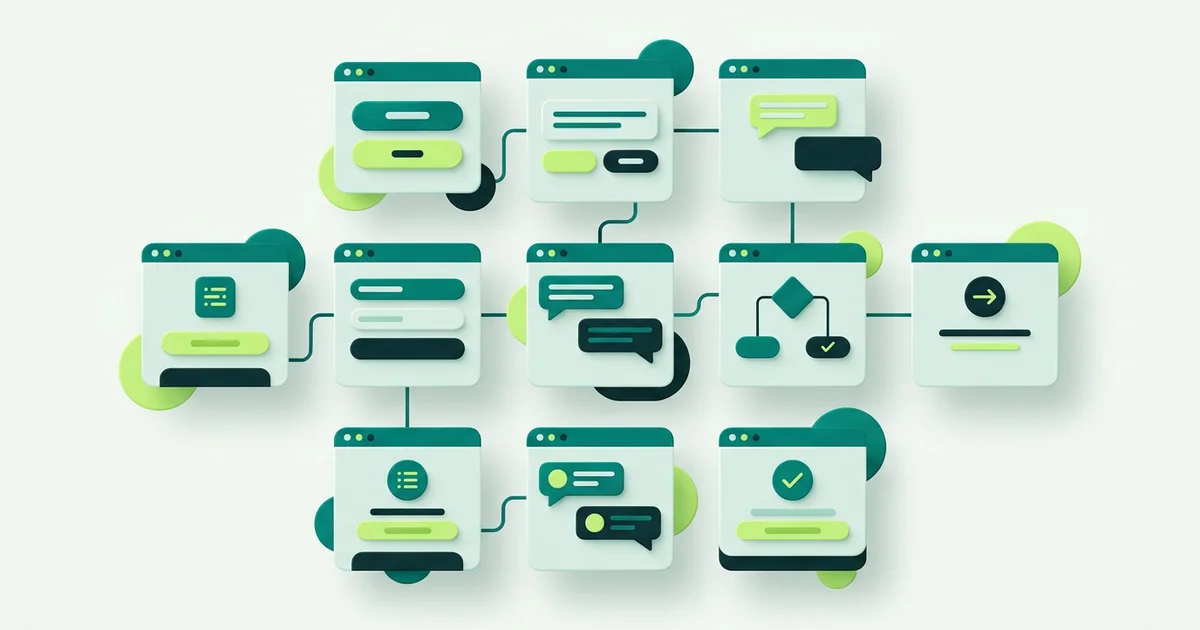
The Visual Bot Flow Builder has eleven step types. They look like a long list until you notice they only do three things: say something, collect something, or decide something. Once you see them that way, building a flow becomes a matter of choosing the right block for the job in front of you.

Steps that say something
Message displays information and continues. It is your greeting, your explanation, your confirmation at the end. Keep each one short, chat reads badly in paragraphs, and two Message steps land better than one long block of text.
Image or video displays media from an upload or a link. Useful where a picture settles the question faster than a sentence: a diagram of the part you fit, a short clip of the process, a photo of what a finished job looks like.
Pause inserts a delay with typing dots. It sounds cosmetic and is not. A three-message answer that arrives instantly reads as a broadcast. The same answer with a beat between messages reads as a reply.
Steps that collect something
Question collects a free-text answer into a variable. Use it when you genuinely want the visitor’s own words, describing a problem, naming a product they cannot quite remember. The variable can then drive a branch later.
One field collects a single value such as an email address, phone number or a number. It exists because throwing a five-field form at someone who only needs to leave a phone number is the fastest way to lose them.
Form collects several fields together, with required fields, input types and configurable validation. This is your qualification step: address, budget range, preferred time, whatever your team otherwise has to chase. Validation is what stops a phone number arriving as “call me”.
AI Agent is the collect-and-answer hybrid. It runs a multi-turn AI conversation with its own instructions, greeting, escalation message, maximum turns and knowledge base selection. Because it draws on the Grounded AI Agent & Knowledge Base, what it says is anchored to the content you supplied rather than the model’s general knowledge, and in Strict mode it can return your configured refusal instead of guessing.
Steps that decide something
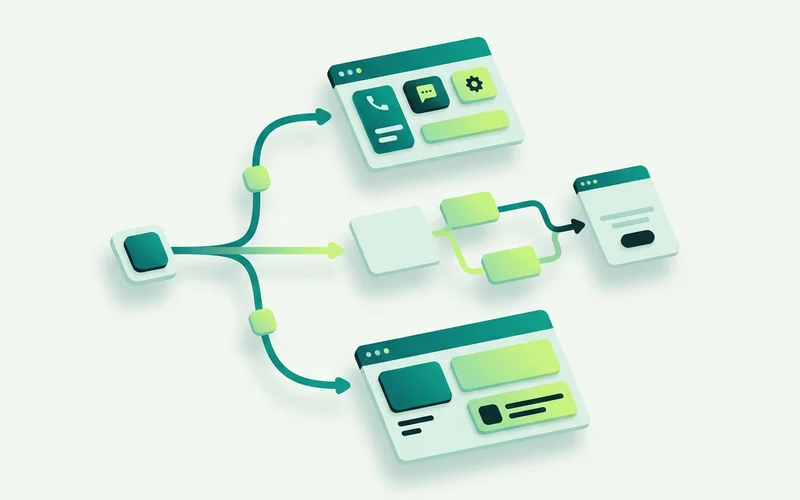
Choices shows buttons and branches on the one the visitor picks. It is the most-used step in most flows, because two or three clear options resolve intent faster than any question you could phrase. Keep the list to four at most; a wall of buttons is a menu, and menus get ignored.
By answer branches using a saved variable from an earlier step. Ask the property type once, then route the plumbing branch and the roofing branch differently without asking again.
By availability chooses between online and offline paths. This is the step that makes after-hours enquiries worth having: instead of promising an instant reply nobody is there to give, the offline path can be written for someone who knows they are waiting until morning.
By page branches on the visitor’s page URL. One flow, many contexts, a pricing-page visitor gets plan questions, a service-page visitor gets that service’s enquiry form, everyone else gets the general greeting.
A quick reference
| Step type | What it does | Typical use |
|---|---|---|
| Message | Shows information and continues | Greeting, explanation, confirmation |
| Image or video | Displays media from upload or link | Show a diagram or a finished job |
| Pause | Adds a typing delay | Make a multi-message reply feel human |
| Question | Captures free text into a variable | “Describe the problem” |
| One field | Captures one value | Email, phone, quantity |
| Form | Captures several fields with validation | Qualify an enquiry |
| AI Agent | Multi-turn grounded AI conversation | Answer open questions from your knowledge |
| Choices | Buttons that branch | “What can we help with?” |
| By answer | Branch on a saved variable | Route by property type |
| By availability | Branch on online/offline | Offline intake after hours |
| By page | Branch on the visitor’s URL | Pricing page vs homepage |
How they combine in practice
A useful flow rarely uses all eleven. A strong one often uses five: a Message greeting, a Choices step for intent, a Form on the branch that turns into work, an AI Agent step on the “something else” branch, and a By availability check so the evening version behaves differently.
Start there. Add By page when you notice one section of your site producing different questions. Add By answer when a branch needs a follow-up. Add Pause when you reread the transcript and it feels abrupt. Each addition is a block, not a project.
Choosing between similar steps
Three pairs cause most of the hesitation.
Question or One field? Use Question when you want the visitor’s own words and the answer will be read by a person or used to branch. Use One field when you want a specific, typed value, an email, a phone number, a quantity, and validation matters more than nuance.
One field or Form? Match the weight of the ask to the weight of the request. One value, one field. Several values that belong together, a Form. Asking five separate One field questions in a row turns a conversation into an interrogation.
Choices or AI Agent? Choices when the possibilities are known and few. AI Agent when they are not. A common mistake is to enumerate twelve options rather than letting an AI step handle “something else”, twelve buttons is a directory, and visitors do not read directories.
Common flow mistakes and what to do instead
Too many messages before the first question. Three Message steps in a row is a landing page, not a conversation. Say one thing, then ask.
A Form step too early. Asking for contact details before the visitor has had anything useful is the chat equivalent of a pop-up. Give an answer first, then ask.
Branches with no ending. Every path needs to arrive somewhere, an answer, a captured enquiry, or a person. A branch that stops mid-flow leaves the visitor holding a conversation nobody is going to continue.
No offline path. Flows built during working hours tend to assume working hours. Add the By availability branch before you publish, not after the first Sunday.
Next: building a greeting-to-handoff flow, step by step, or go deeper on routing with branching by page, availability and saved answers.
Learn more about Visual Bot Flow Builder
A drag-and-drop builder for website conversations, with 11 step types for greeting, capturing enquiries, branching, and handing off.
Questions people ask about this
What does the By page step do?
It branches the flow on the visitor's page URL, so someone reading your pricing page can get a different conversation from someone on the homepage. It is the simplest way to make one flow feel tailored across a whole site.
Can a flow collect several fields at once?
Yes. The Form step collects multiple fields together, with required fields, input types and configurable validation. Use One field when you only need a single value and a full form would feel heavy.
Does onmsg do bookings or payments through these steps?
No. The step types collect and route enquiries. onmsg is not a booking engine, a checkout or a general-purpose integration automation builder, and the step list is deliberately honest about that.
Related guides
Branching by Page, Availability and Saved Answers
Serve different flows by page (pricing vs homepage), route by availability (online vs offline), and branch by saved answer, practical examples of each.
Read guideHow to Capture and Qualify Leads with Conversation Forms
Use Form and One-field steps with required fields and validation to gather requirements before handoff, capture after-hours enquiries, and keep context for the team.
Read guideHow to Build a Greeting-to-Handoff Flow, Step by Step
Walk through assembling a real onmsg flow: start with a greeting, branch by enquiry type, collect details with a form, add an AI Agent step, and route to a person.
Read guideVisual Flow Builder vs Scripted Chatbot: What's the Difference?
Compare a visual, no-code flow builder with hand-coded and scripted bots, maintenance, speed, and who each suits, and see why non-technical teams prefer a canvas.
Read guideWant to try this on your own site?
No credit card required.