Live Chat vs AI Chatbot vs Contact Form
Compare live chat, AI chatbots and static contact forms for handling website enquiries, coverage, response speed and effort, and see how onmsg combines all three.
Three ways to handle a website enquiry
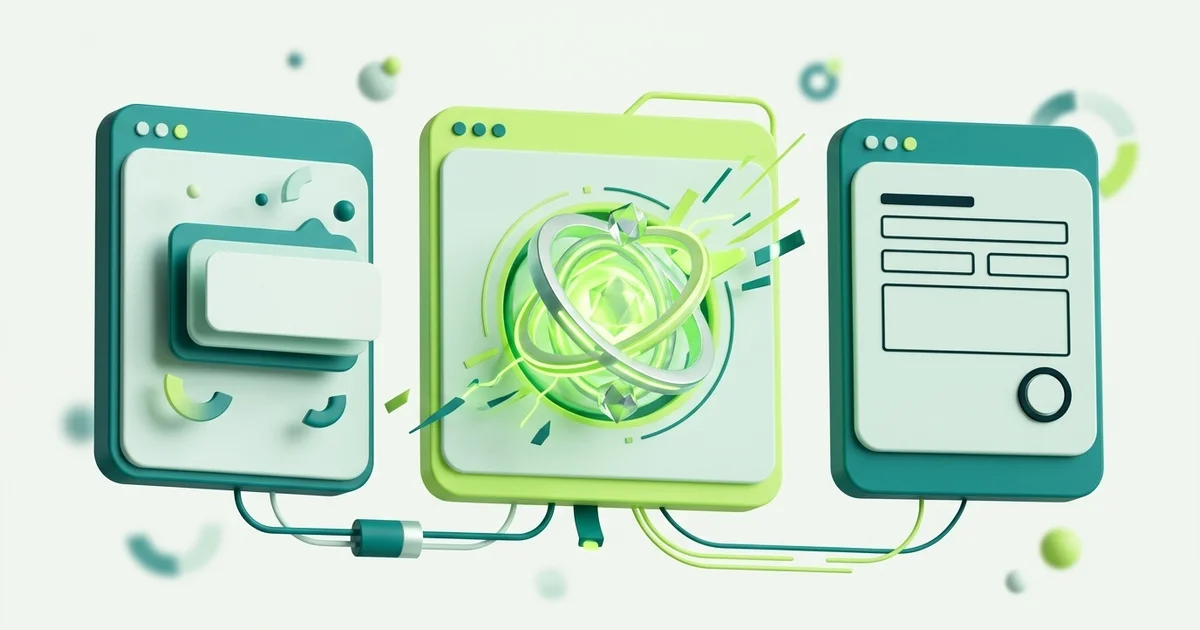
Every business website has to answer the same question: what happens when a visitor wants to know something? There are three common answers, and most comparisons treat them as rivals. They are closer to layers.
A contact form collects. Name, email, message, submit. It works around the clock and costs nothing to run.
Live chat answers in real time, with a person typing. It handles anything, but only while someone is there.
An AI chatbot answers automatically. Whether that is an asset or a liability depends almost entirely on where it gets its facts, which is the part most comparisons skip.
Side by side
| Contact form | Live chat | AI chatbot | |
|---|---|---|---|
| Answers in the moment | No | Yes | Yes |
| Works outside business hours | Yes | No | Yes |
| Effort per enquiry | High (later) | High (now) | Low |
| Handles unusual questions | Passes them on | Yes | Only with a handoff |
| Risk of a wrong answer | None | Low | Depends on grounding |
| Captures structured details | Yes | Only if asked | Only if the flow asks |
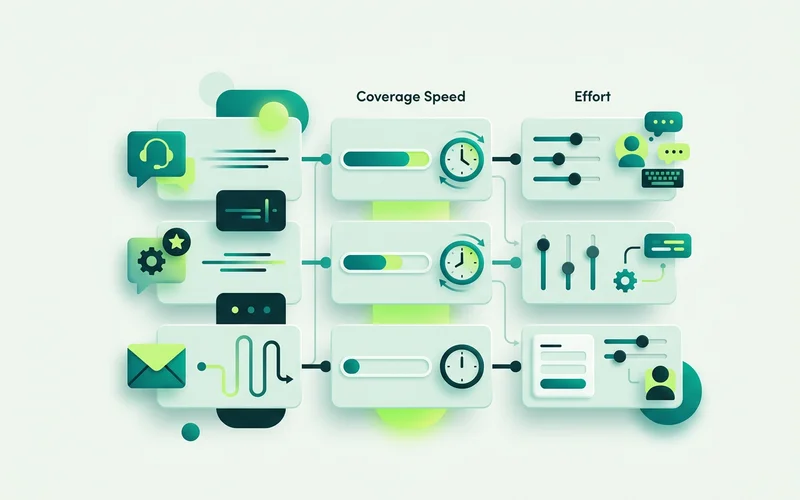
Read that table for a moment and the trade-off is obvious. Forms give you coverage without speed. Live chat gives you speed without coverage. AI gives you both and introduces a new question: is what it said true?
The question that actually matters for AI
An AI chatbot’s value is decided by its source of facts. A general-purpose model answers from what it learned during training, which contains nothing about your prices, your service area or your lead times. Asked anyway, it produces something plausible. That is not a bug in the model; it is what a general model is for.
A grounded agent retrieves from a knowledge base you supplied first. onmsg’s Grounded AI Agent & Knowledge Base works this way, with three modes: Strict checks for relevant knowledge and can return a refusal message you wrote without calling the answer model at all; Balanced prefers your knowledge and instructs the model not to invent business facts; Open allows more general conversation without the retrieval gate.
The difference is not subtle. Ungrounded, “do you service industrial units?” gets a confident yes. Grounded and Strict, it gets your refusal message and an offer to reach a person, which is the correct answer when the knowledge base does not say.
When each option fits a small team
Choose a form alone if you get a handful of enquiries a week, they are never urgent, and your reply time of a day or two has never cost you a customer. This is a real situation and there is no shame in it.
Choose live chat alone if enquiries are high-value, low-volume, and someone genuinely watches the queue. A consultancy with six enquiries a month should probably be talking to all six personally.
Choose AI plus a handoff when the same questions keep arriving. If your team is answering opening hours, coverage areas and lead times more than once a day, that time is recoverable and nobody will miss doing it.
Choose all three when your traffic is uneven. Which, for most small businesses, it is.
How combining them actually works
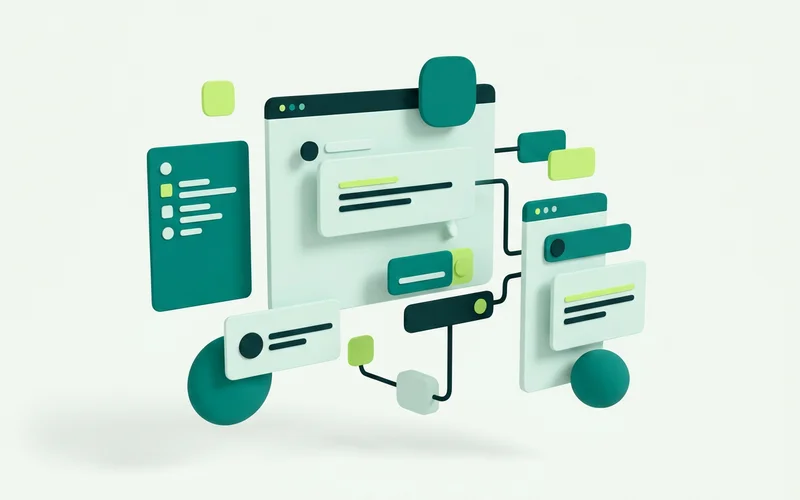
In practice a combined setup is one conversation with several possible paths. A visitor opens the widget. A flow greets them and offers a few buttons: the form layer, but conversational. If they pick “something else” and type a question, an AI Agent step answers from your knowledge. If it refuses more than the number of times you configured, or hits a turn limit, or the visitor asks for a person, the conversation hands off and lands in the Shared Team Inbox with its history intact.
Outside business hours, a By availability branch takes the offline path instead: an honest message, a form step that collects what your team will need, and an expectation you can actually meet.
Nobody chose between three tools. The visitor got whichever layer suited their question.
A simple way to decide
Count the enquiries you received last month and sort them into two piles: ones where you typed something you have typed before, and ones that needed real thought. If the first pile is bigger, an AI answering from your own content will give you the most time back. If the second pile is bigger, invest in capture and handoff quality instead, better forms, better context, a faster route to a person.
Either way, keep an offline path. Enquiries do not arrive on a schedule, and the cheapest conversion you will ever make is the one you captured at 10pm instead of losing.
Two failure modes worth naming
Most disappointing chat setups fail in one of two ways, and both are avoidable at the design stage.
The unattended live chat. A widget that promises a person, staffed by a team who are genuinely busy elsewhere. Visitors message, wait, and leave with a worse impression than if there had been no chat at all. A visible chat is a promise; if you cannot keep it during a given window, say so and collect the enquiry instead.
The confident unguided bot. An AI answering from general knowledge because nobody supplied any. It performs well in a demo and badly on a pricing question, and the damage surfaces later, when a customer arrives expecting terms you never offered.
Both are fixed by the same discipline: decide in advance what happens when the system cannot deliver, and design that path as carefully as the happy one.
Reviewing the choice after a month
Whatever combination you start with, a month of real conversations will tell you what to change.
If most enquiries are repeats, move more of them into the knowledge base so the AI handles them and your team gets the time back.
If most are unusual, invest in capture quality instead, a better form, clearer routing, because the value is in getting a person into a well-briefed conversation faster.
If a lot arrive out of hours, the offline path is the most valuable thing on the site, and it deserves more than a stock apology.
The right mix is not a matter of principle. It is whatever your own transcripts say it should be.
Next: how to add live chat to any website, or how a small team handles enquiries without extra headcount.
Questions people ask about this
Are contact forms still worth having?
Yes, for capture. A form works at 2am and asks nothing of your team. What it cannot do is answer, so treat it as one path inside a chat setup rather than the whole strategy. onmsg's offline message intake plays the same role while keeping the enquiry in retained history.
Can I use AI and live chat together?
That is the sensible default. The AI answers what it can from your knowledge base, and hands off to a person when it refuses, hits a turn limit, or the visitor asks for one. The handoff stops bot ownership so a human owns the conversation from that point.
Which one converts best?
It depends on your traffic and how much of your day you can give to answering. Rather than pick one, most small teams do better combining them: AI for the repeat questions, flows for capture, a person for the rest.
Related guides
How a Small Team Can Handle Website Enquiries Without Extra Headcount
Deflect repetitive questions with grounded AI, capture context before handoff, and use a shared inbox for the conversations that need a person.
Read guideHow to Add Live Chat to Any Website with a Script Snippet
Add website chat with a one-line script snippet. Where the snippet goes, generic steps for common site builders, the live/paused setting, and how to verify it loaded.
Read guideWhat Is Website Chat Software?
A plain-English guide to website chat software: what a chat widget does, how live chat, AI answers and guided flows differ, and where it fits for a small business.
Read guideWant to try this on your own site?
No credit card required.