
What Is Website Chat Software?
A plain-English guide to website chat software: what a chat widget does, how live chat, AI answers and guided flows differ, and where it fits for a small business.
The short definition
Website chat software puts a small conversation window on your website so visitors can ask a question and get an answer without leaving the page. It has two halves. Visitors see a widget: a launcher in the corner, and a panel that opens when they tap it. You see an admin workspace where you configure what the widget says, who answers, and what happens to the conversation afterwards.
That is the whole category. Everything else is a difference of opinion about what should do the answering.
Three things that can answer
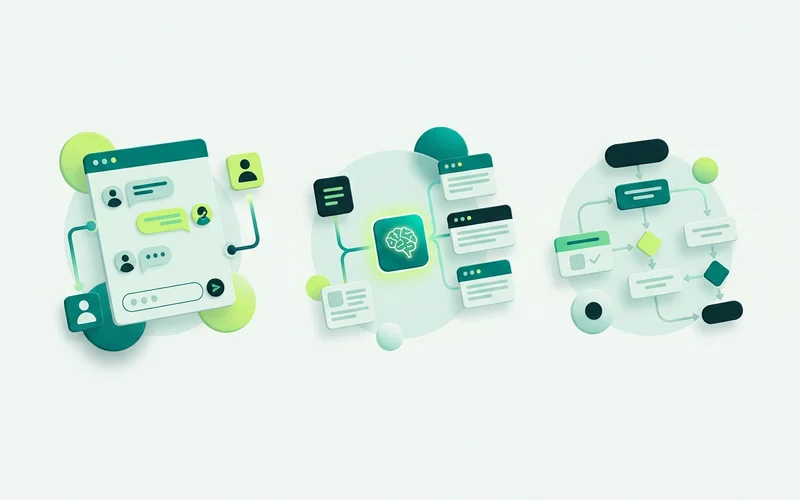
Live chat means a person on your team typing in real time. It handles anything, adapts to tone, and builds the most trust. It also needs someone available, which is why live chat alone tends to work well for the first fifty visitors a month and badly for the next five hundred.
AI answers means a model replying automatically. The important distinction is where it gets its facts. A general AI chatbot draws on whatever the underlying model knows, which is how a chat ends up quoting a price you never set. A grounded one retrieves from a knowledge base you supplied, your FAQs, service pages, policies, and answers from that. onmsg’s Grounded AI Agent & Knowledge Base works the second way, with a Strict mode that can return a refusal you wrote rather than inventing something when it finds nothing relevant.
Guided flows means a structured path: a greeting, a few buttons, a form. No guessing at all, because every step was designed. Flows are excellent at capturing enquiries and terrible at open-ended questions, which is exactly why they belong alongside the other two rather than instead of them.
What a chat widget actually does
The widget is the visible part, and it does more than display messages. It decides when to appear, how it looks against your brand, and what happens when nobody is available. In onmsg you control placement and offsets, colours for the widget, header, messages, inputs and controls, font families and sizes, launcher icons, teaser text and images, and border radius, padding and shadows. When the built-in controls run out, custom CSS handles the rest. The Website Chat & Widget Customization page covers the full set.
It also carries your availability. Business hours, a timezone and configurable after-hours behaviour mean a visitor at 11pm gets a different experience from one at 11am, ideally an offline path that collects their details rather than a message that pretends someone is listening.
Where it fits for a small business
Most small business websites still end at a contact form. A form is fine at collecting an enquiry and useless at answering one. The visitor with a question, do you cover my postcode, what does this cost, how long does it take, either waits for a reply or goes and asks a competitor who answered faster.
Website chat closes that gap in three ways. It answers the repeat questions immediately, which is most of them. It captures the details your team needs before anyone spends time on a call. And it routes the genuinely difficult conversations to a person with the context already attached.
What to look for when comparing tools
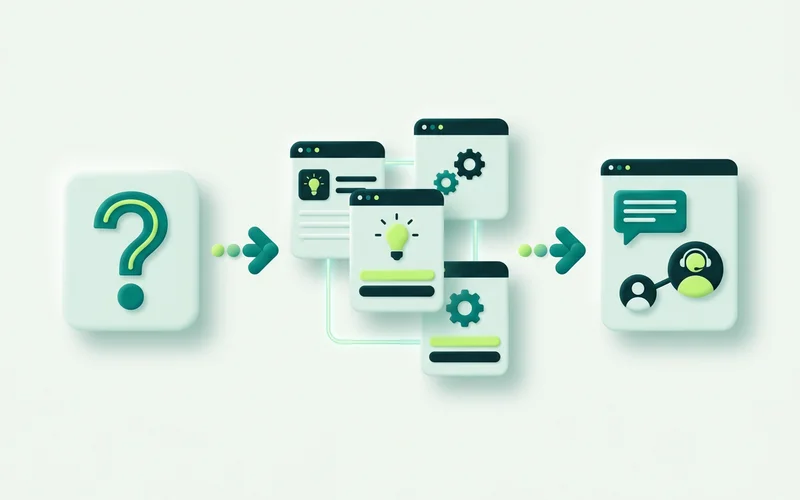
Four questions separate the options quickly.
Where do the AI answers come from? If the tool cannot tell you, assume the model’s general knowledge. Look for a knowledge base you populate and controls over how strictly answers stay inside it.
What happens when the AI does not know? A configured refusal and a handoff to a person is a designed outcome. A confident guess is not.
Where do handed-off conversations go? A shared inbox with assignment, history and search beats an email forward. Ask what the teammate sees when they pick it up.
Can a non-developer change it? The person who notices a confusing question is rarely the person with repository access. A visual builder means the fix takes ten minutes instead of a sprint.
The honest limits
Website chat is not a booking engine, a checkout or a CRM, and any tool that implies otherwise is stretching. It collects and routes enquiries. It also cannot promise perfect answers: grounding controls reduce the chance of a fabricated reply and give you a safe fallback, but they guide behaviour rather than guarantee every response. That is precisely why the handoff to a human matters, and why it should be part of the setup from day one rather than an afterthought.
What it costs to run, in time rather than money
Pricing pages answer the money question. The time question matters more for a small team, and it splits into two parts.
Setup is a few hours if you do it properly: load your recurring answers as knowledge, choose how strictly the AI should stay inside them, build one flow, style the widget, set your hours. Most of that is decisions rather than configuration, and most of the decisions you already have opinions about.
Upkeep is the part people underestimate. Chat encodes current facts, prices, hours, lead times, so it needs revisiting when those change, plus fifteen minutes a month reading transcripts. Skip the reading and the setup slowly stops describing the business.
Both numbers are small. They are not zero, and any tool sold as “set and forget” is describing an outcome nobody achieves.
A short glossary
Widget: the launcher and panel your visitors see.
Flow: the designed path a conversation follows, built from steps.
Knowledge base: the content you supply that AI answers are drawn from.
Grounding: restricting answers to that content rather than the model’s general knowledge.
Refusal: the message shown when the system finds nothing relevant and declines to guess.
Handoff: moving a conversation from automation to a person, with its history intact.
Shared inbox: where handed-off conversations land for your team to answer.
Those seven terms cover most of what any vendor will say to you.
If you are weighing your options, the next thing to read is our comparison of live chat, AI chatbots and contact forms. If you have already decided and just want it running, how to add live chat to any website covers the install.
Questions people ask about this
Is website chat the same as a chatbot?
Not exactly. Website chat is the channel, the widget on your site. What answers inside it can be a person typing live, an AI answering from your content, a guided flow of buttons and questions, or all three. onmsg combines them so a visitor gets whichever is appropriate at that moment.
Do I need coding to add website chat?
No. onmsg installs with a one-line script snippet you paste into your site or push through a tag manager. Styling, flows and AI behaviour are all configured in the admin workspace, not in code.
What can visitors actually do in the chat?
Ask a question in their own words, choose a guided option, share enquiry details through a form, send a file, or ask to reach a person. Outside your business hours they can leave a message that stays in retained history for your team.
Related guides
How a Small Team Can Handle Website Enquiries Without Extra Headcount
Deflect repetitive questions with grounded AI, capture context before handoff, and use a shared inbox for the conversations that need a person.
Read guideHow to Add Live Chat to Any Website with a Script Snippet
Add website chat with a one-line script snippet. Where the snippet goes, generic steps for common site builders, the live/paused setting, and how to verify it loaded.
Read guideLive Chat vs AI Chatbot vs Contact Form: Which Does Your Site Need?
Compare live chat, AI chatbots and static contact forms for handling website enquiries, coverage, response speed and effort, and see how onmsg combines all three.
Read guideWant to try this on your own site?
No credit card required.