What Is a No-Code Chatbot Flow Builder?
A no-code flow builder lets you design a chat conversation on a visual canvas, steps and branches, no coding. What it means, who it's for, and how it differs from hand-coding a bot.
The plain definition
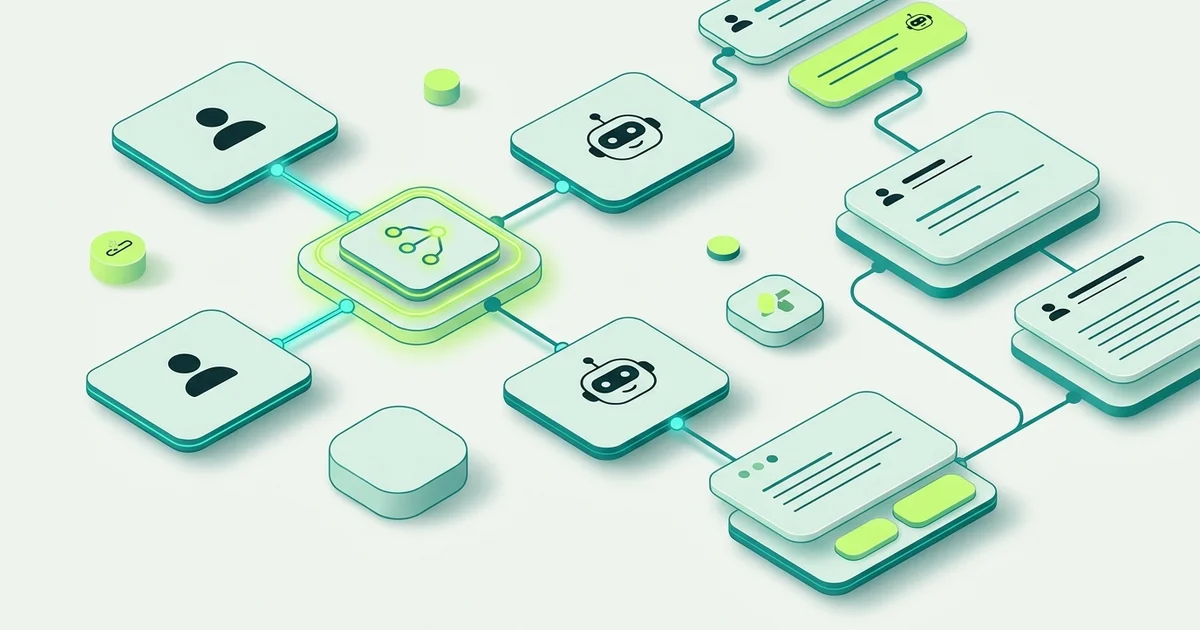
A no-code chatbot flow builder is a visual editor where you design a chat conversation by placing blocks on a canvas and drawing lines between them. Each block is one thing the chat does. Each line is what happens next. When you are done, you publish it and visitors walk the path you drew.
“No-code” is doing real work in that sentence. The alternative is a bot defined in configuration files or application code, where changing a question means a developer, a review and a release. On a canvas, changing a question means clicking the block and typing.
Canvas, steps and branches
Three concepts cover almost everything.
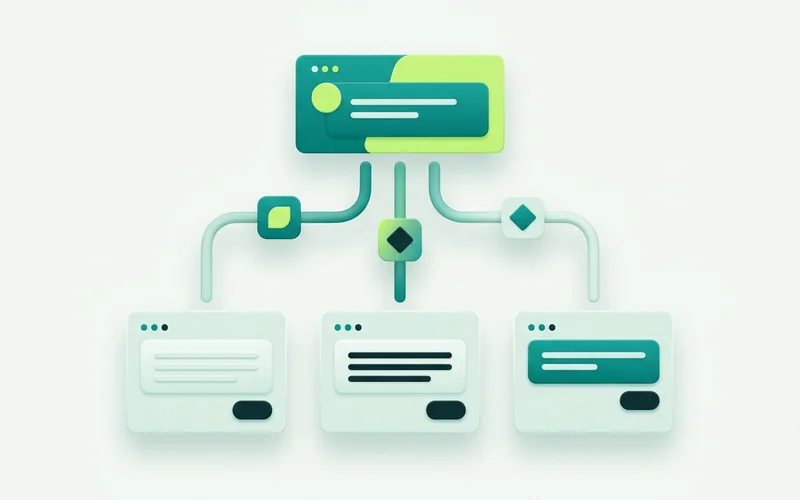
The canvas is the whole conversation seen at once. This is the underrated part. When every path is visible on one screen, you can spot the dead end, the branch nobody takes, and the question that gets asked twice. A conversation described in code has the same problems and hides them.
Steps are the units. In the Visual Bot Flow Builder there are eleven types. Some speak: Message shows information and continues, Image or video displays media, Pause inserts a short delay so a reply lands naturally. Some listen: Question captures free text into a variable, One field collects a single value like an email or phone number, Form collects several fields together with validation. One thinks: the AI Agent step runs a multi-turn AI conversation with its own grounding and handoff settings. And three decide: By answer branches on a saved variable, By availability picks between online and offline paths, By page branches on the visitor’s URL.
Branches are where a flow stops being a script. A script asks everyone the same thing. A branch notices that this visitor said “existing order”, or that it is Sunday, or that they are on your pricing page, and sends them somewhere appropriate.
Who it is for
Mostly, for the person who knows what customers ask. That is usually not a developer. It is whoever answers the enquiries, and they are the one who notices that the second question confuses people.
It also suits small teams without development capacity at all, and agencies who need to set up a conversation per client without a build each time. The common thread is speed of iteration. A flow you can change in ten minutes gets improved. A flow that needs a ticket gets tolerated.
How it differs from hand-coding a bot
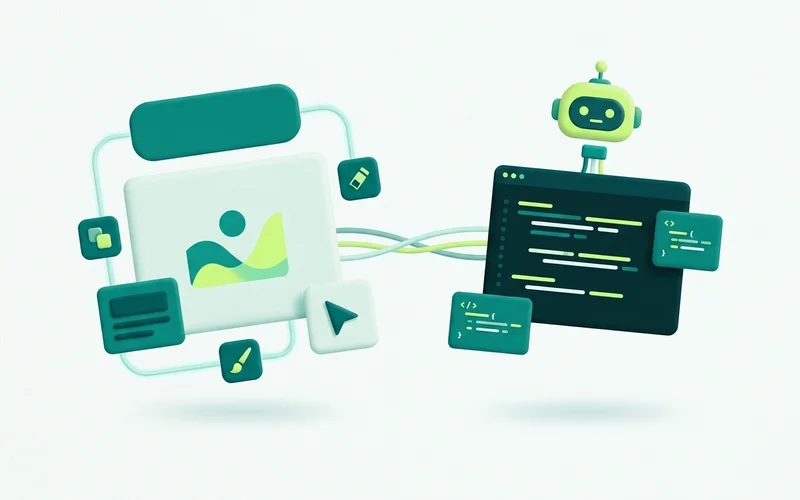
A hand-coded bot gives you unlimited logic and unlimited responsibility. You can express anything, and you own the testing, the deployment and the maintenance of it forever. For a genuinely unusual product surface that can be the right call, which is why onmsg also offers a site API for teams building their own.
A visual builder trades some of that ceiling for reach. Eleven step types with three branch conditions cover the overwhelming majority of website enquiry conversations, and the people who need to change them can. The question is not which is more powerful in principle. It is which one still reflects your business in six months.
What it does not do
Worth saying plainly: a flow builder collects and routes enquiries. It is not a booking engine, a checkout, or a general-purpose integration automation builder, and onmsg’s step types are not pretending otherwise. If you need payments taken inside the chat, that is a different product category.
The next step
What “no-code” does and does not remove
No-code removes the programming. It does not remove the thinking, and pretending otherwise sets people up to be disappointed.
You still have to decide what the conversation is for, what you want to know from a visitor, what happens when they ask something unexpected, and where a person takes over. Those are design decisions, and they are the actual work. The canvas just means you can make them directly instead of describing them to someone else first.
The benefit is a shorter loop. Have an idea, build it in ten minutes, watch how visitors respond, change it. The people who get the most from a visual builder treat it as somewhere to iterate rather than somewhere to deliver a finished specification.
What a first flow usually contains
Most useful first flows are small. A greeting that says what you do. A Choices step with two to four options in customer language. A Form on the branch that usually becomes work. An AI Agent step on the “something else” branch. An escalation at the end of each path.
That is five blocks and it covers a surprising proportion of real website enquiries. The temptation is to build something more elaborate on day one, but the flow you design before seeing any transcripts is nearly always a guess about how people behave.
Build the small version, publish it, and let two weeks of real conversations tell you what the second version should be.
Concepts land faster with a real example. Building a greeting-to-handoff flow, step by step walks through assembling one, and the 11 flow step types in onmsg explains each block and what it is for.
Learn more about Visual Bot Flow Builder
A drag-and-drop builder for website conversations, with 11 step types for greeting, capturing enquiries, branching, and handing off.
Questions people ask about this
Do I need to know how to code?
No. You drag step blocks onto a canvas and connect them, then fill in a settings panel for each one. There is no scripting language and no deployment step. You publish the flow when it reads the way you want.
What is a step?
A single action in the conversation. It might send a message, ask a question, show buttons, collect a form, run an AI answer, or decide which path to take next. onmsg has 11 step types covering all of those.
Can I change a flow after it goes live?
Yes. Edit the steps on the canvas and republish. That is the main practical advantage of a visual builder: the person who spots a confusing question can fix it the same day.
Related guides
Branching by Page, Availability and Saved Answers
Serve different flows by page (pricing vs homepage), route by availability (online vs offline), and branch by saved answer, practical examples of each.
Read guideHow to Capture and Qualify Leads with Conversation Forms
Use Form and One-field steps with required fields and validation to gather requirements before handoff, capture after-hours enquiries, and keep context for the team.
Read guideHow to Build a Greeting-to-Handoff Flow, Step by Step
Walk through assembling a real onmsg flow: start with a greeting, branch by enquiry type, collect details with a form, add an AI Agent step, and route to a person.
Read guideThe 11 Flow Step Types in onmsg, Explained
Every onmsg flow step type explained: AI Agent, Question, Choices, One field, Form, Message, Image or video, Pause, By answer, By availability and By page.
Read guideWant to try this on your own site?
No credit card required.